R1 Playout Clock for WATCHOUT — The Down Low
Version 0.5.0 · What's new →
What it does
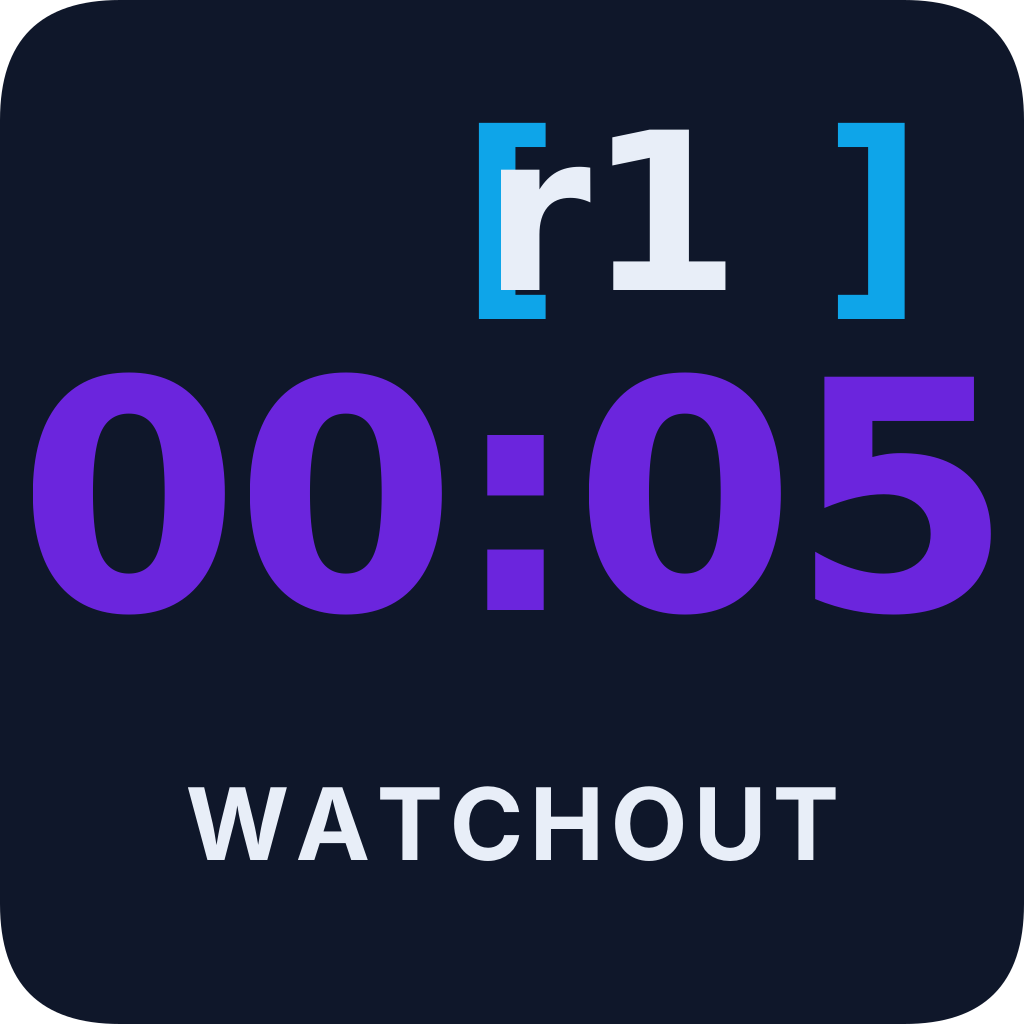
R1 Playout Clock for WATCHOUT turns Dataton WATCHOUT 7's timeline data into a giant playout countdown for the entire live event production team. Director, TD, A1, stage manager, lighting — everyone watching multi-view stays in sync on every cue, with yellow/red warning colors as the clock runs out. Nobody has to ask "how long is this?" over comms.
Connects directly to a WATCHOUT 7 Director's HTTP API on port 3019, listens to its SSE event stream, and follows the video currently playing on your chosen layer. Multi-timeline support out of the box; optional marker mode for named-cue countdowns. No WATCHOUT-side configuration needed beyond having the Director reachable on your network.
Like the Mitti and Millumin clocks, this app is dual-purpose by design — pick the path that fits your show, or use both simultaneously:
- NDI® over the network — broadcasts a 1920×1080 progressive Full NDI® source on your local network — uncompressed BGRA, not NDI HX. Picked up directly by NDI-capable software switchers (vMix, OBS, NDI Studio Monitor) and NDI-native AV systems, or via NDI-to-SDI converters (BirdDog, Kiloview, AJA) into your favourite hi-res switcher — Barco E2 / S3, Spyder X80, PixelHue Q8 / F4 / F8, etc. Configurable source name and frame rate (broadcast standards from 23.976 to 60p), plus an independent clock-size control optimized for the NDI feed.
- HDMI from the computer — run the clock app full-screen on a second display and plug that HDMI straight into your favourite hi-res switcher or any HDMI-capable monitor wall. No network configuration at all. Same clock as the NDI feed; independent size control so you can tune the operator window without affecting the NDI output.
- Marker mode (optional) — when enabled, a small secondary row appears below the main clock for named WATCHOUT marker cues that match your filter. Useful when the show has explicit cue points (walk-in, Q1, intermission) that should be visible alongside the video-driven clock.
- Timeline and marker filtering — focus
the clock on specific timelines or markers by name, with
glob support (e.g.
clock_*) and exclusion syntax (*, -BGMmeans "everything except BGM"). Handy for ignoring always-on utility timelines. - Remote Control (web settings) — when
enabled, the app exposes a settings page on the host
machine's LAN address (e.g.
http://10.0.0.5:8080/settings). Configure the WATCHOUT connection, timeline / marker / layer filters, marker mode, and NDI output from a phone, tablet, or any other computer on the same network. The remote page also shows live clock status (REM / TRT / cue label) polled every second. The setting persists across launches, so an unmanned machine comes back up with the web server already running. - Clickable status-bar toggles — the bottom status bar's WATCHOUT, NDI, and Remote indicators are now one-click toggles. Connect / disconnect or start / stop without opening Settings.
- Now-playing pill — small ▶ pill below the time fields shows the current composition or asset name, on every output (HDMI window, NDI feed, second display). Helps the production team see what's playing, not just how much longer.
User guide
Step-by-step setup, settings reference, and troubleshooting will be on the user guide page shortly. In the meantime, trial users get setup instructions with the trial build.
System requirements
- macOS 13 (Ventura) or later · Apple Silicon (M1/M2/M3/M4); or Windows 11 (64-bit). Tested on M1 macOS 15.7 and Windows 11.
- Trial builds are not code-signed. On Windows, SmartScreen will prompt on first launch — click "More info → Run anyway" to continue.
- WATCHOUT 7 Director reachable on the network with port 3019 open
- For the HDMI output path: a second display or capture input on your hi-res switcher (Barco, Spyder, PixelHue, or any HDMI-capable input)
- For the NDI output path: a Full NDI receiver on the same network — free NDI Tools, OBS with the obs-ndi plugin, vMix, or any other NDI-capable application; or an NDI-to-SDI converter (BirdDog, Kiloview, AJA) into your switcher of choice. Both Full NDI and NDI HX receivers can ingest this Full NDI source.
- Internet connection on first launch (one-time setup)
Access
R1 Playout Clock for WATCHOUT is currently in private testing. Access is by request — drop us a line and we'll send you a 30-day trial build along with setup instructions.
Terms of Use
Use of R1 Playout Clock for WATCHOUT is subject to the R1 Apps Terms of Use. In short: as-is, no warranty, not for safety-critical use.
Privacy
R1 Playout Clock for WATCHOUT does not phone home, collect telemetry, or transmit any data to R1 Apps. The only network traffic is the HTTP/SSE connection it makes to the WATCHOUT Director you configure, plus the NDI source it broadcasts (NDI announces itself via mDNS on the local subnet). See our Privacy statement for details.
Open-source acknowledgements
R1 Playout Clock for WATCHOUT is built on top of open-source software. The following components are used; their original licenses apply. License text for each is available at the linked source repository.
-
Wails v2
Cross-platform desktop application framework. Provides the native window, menu bar, and Go ↔ frontend bridge.
-
chromedp
Headless Chrome controller (DevTools Protocol). Used by the NDI pipeline to render the clock at 1920×1080 in an off-screen browser before broadcasting via NDI.
-
cdproto
Chrome DevTools Protocol type definitions. Companion to chromedp.
-
golang.org/x/image
Image-format support. Used to decode the rendered PNG frames and convert pixel formats for NDI.
-
pkg/errors
Error wrapping with stack traces. Used by Wails internally.
-
uniseg
Unicode text segmentation. Used by Wails for correct text handling.
-
go-ansi-parser
ANSI escape code parser. Used by Wails for terminal output formatting.
-
slicer
Slice utility helpers. Used by Wails internally.
-
u
Optional/unset value helpers. Used by Wails internally.
-
Go standard library
The Go programming language and its standard library, used throughout the app.
Third-party trademarks
WATCHOUT is a trademark of Dataton. NDI® is a registered trademark of Vizrt NDI AB. R1 Apps is not affiliated with, endorsed by, or sponsored by Dataton or Vizrt NDI AB. R1 Playout Clock for WATCHOUT is an independent third-party tool that uses WATCHOUT's documented HTTP API.
Support
Trial users get direct support during the testing period — just reply to the email we send you. For other questions, see our contact page.